You will use the WebSphere Business Monitor tooling in WebSphere Integration Developer to generate a starter monitor model from the MonitorAdapter module and then you will use the Monitor Model Editor in WebSphere Integration Developer to enhance the monitor model.
- Right-click MonitorAdapter and select .
- Click New project.
- For the name of the new business monitoring project, type MonitorAdapterBM. Click Finish.
- For the name of the monitor model name, type MonitorAdapterMM. Click Next.
- Select JDBCInboundInterface.createDb2adminCustomerBG and click Emitted Events.
- Click Select All and then click Next. Click Next again.
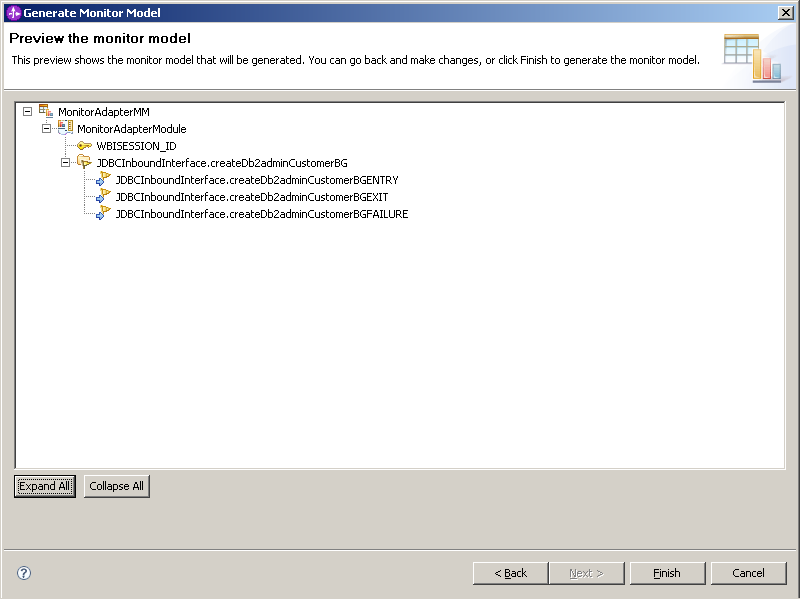
- Click Expand All to see the elements of
the Monitor model. Click Finish.
- Click Yes to go to the Business Monitoring perspective.
- For this sample, click No for the getting started information.