- Right-click on the Monitor server on WebSphere ESB and select Add and Remove Projects.
- Select MonitorAdapterMMApp and click Add to
add the application to Configured projects.
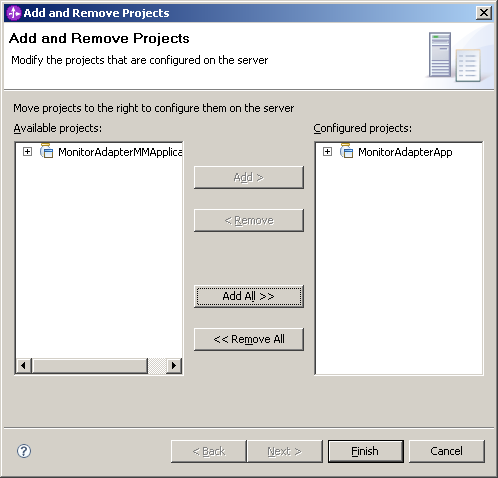
- Click Finish. The project is deployed to the server and started. Ensure you see no error messages in the console.