If you receive UNAUTHENTICATED errors in the console when you have selected the Clean All Projects option, you must add the admin user to the Monitor Data Security root group.
- Right-click on the Monitor server on WebSphere ESB and select Run administrative console. Type in your user ID and password and then click Log in.
- Expand Security and select Monitor
Data Security.
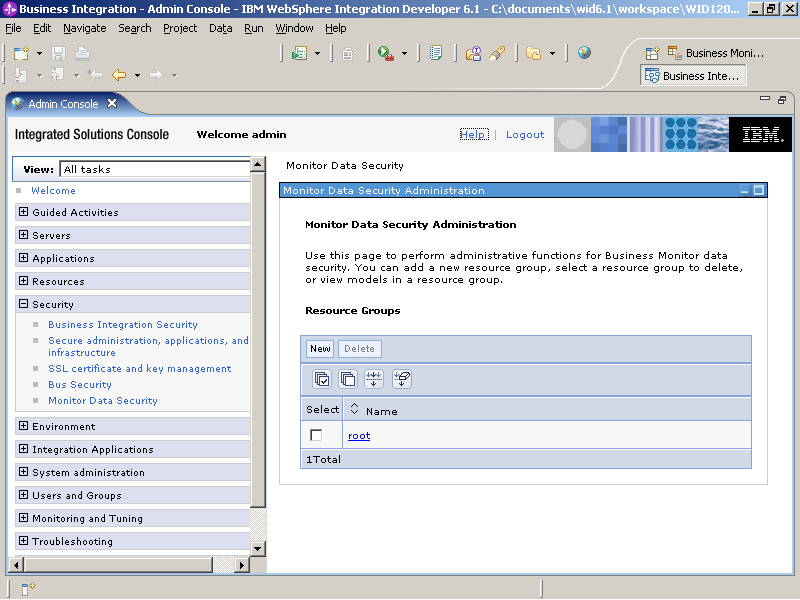
- Click Root and then click Users.
- Click OK and then click OK again.
- Right-click on the Monitor server on WebSphere ESB and select .