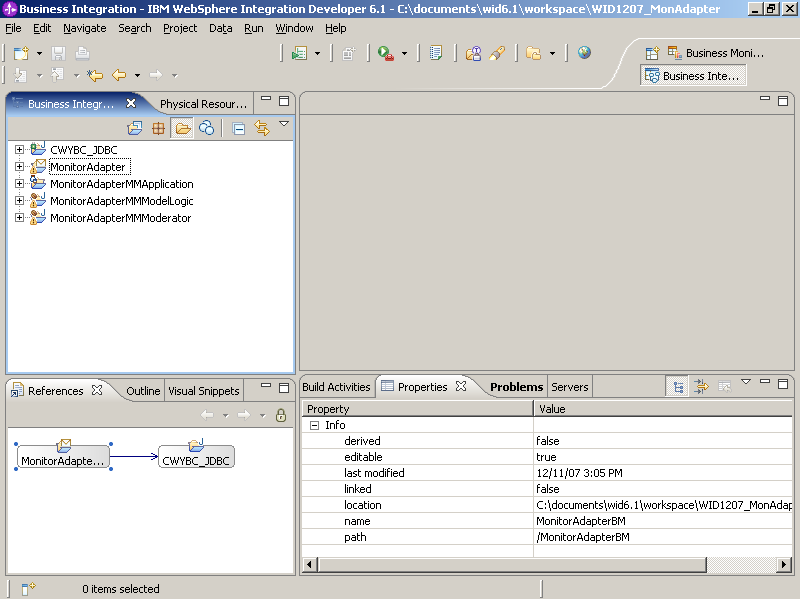
Add a dimension to the monitor model.
- Switch to the Dimensional panel by clicking Dimensional
Model in the bottom of MonitorAdapterMM view.
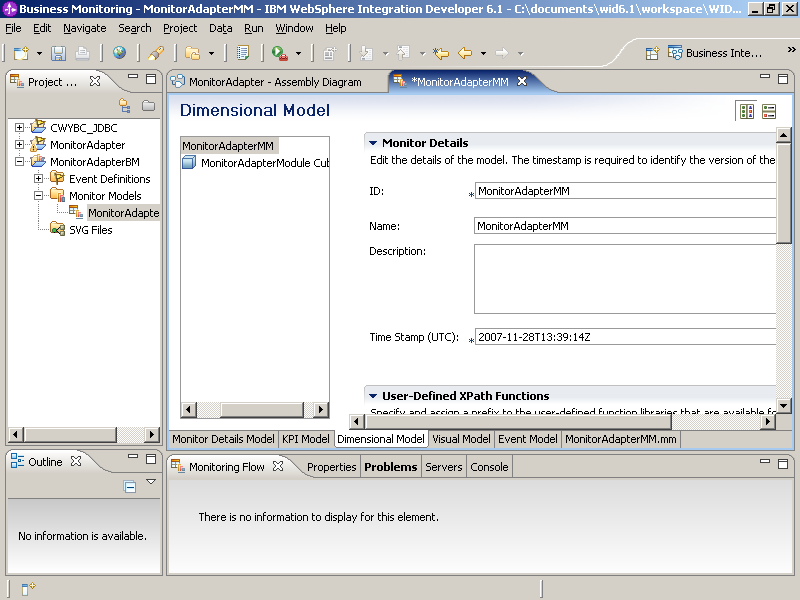
- Right click MonitorAdapterModelCube in the Dimensions panel. Select and type CCode Dimension as the name. Click OK.
- Right click CCode Dimension, select , type CCode Dimension Level and select CCode Metric as the metric
- Click OK.
- Right click MonitorAdapterModule Cube, select and type FName Count Measure for the Name. Select Fname Metric as the Source Metric
- Click OK.
- Press Ctrl+S to save the monitor model.
- Right-click MonitorAdapterMM.mm on the Project Explorer. Select Generate Monitor J2EE projects.
- Click OK and then Finish.
- Go to the Business Integration view, you can see that several projects
have been generated.